


Compatible with Ableton Suite with Max for Live (Suite required)

Processed by Lemon Squeezy • Instant download • Support included
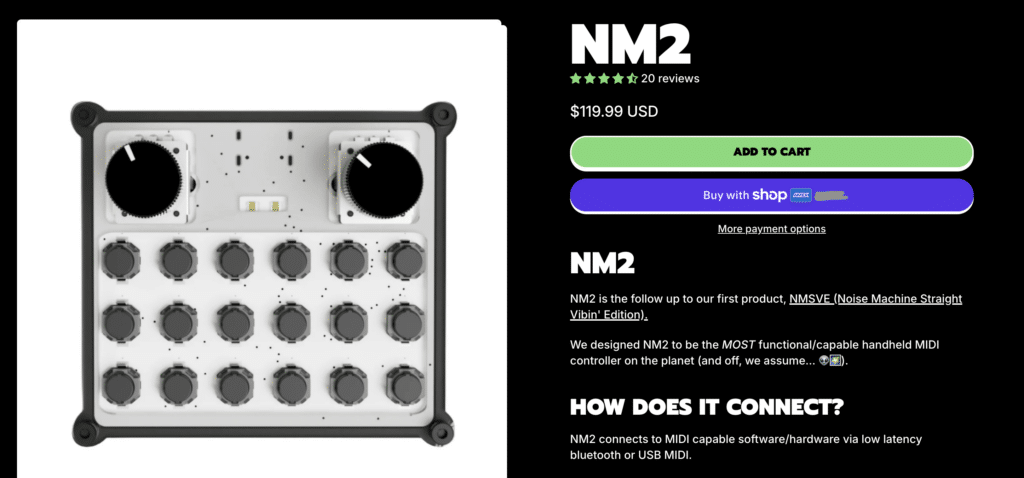
Get the Hardware!
Chromaglide users get 10% off the NM2 Wireless Handheld Midi Controller with the code CHROMAGLIDE. Applied automatically at checkout when you use the link!
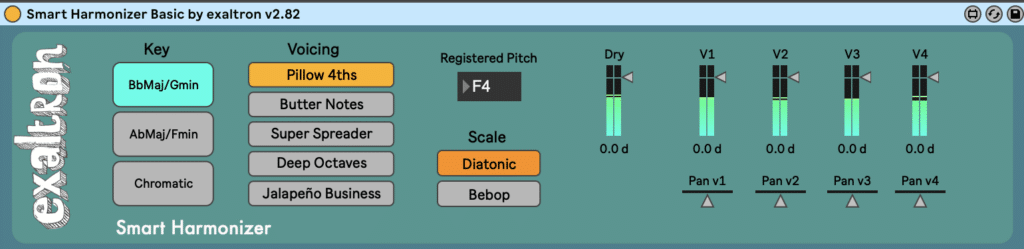
Smart Harmonizer Basic by exaltron
Features
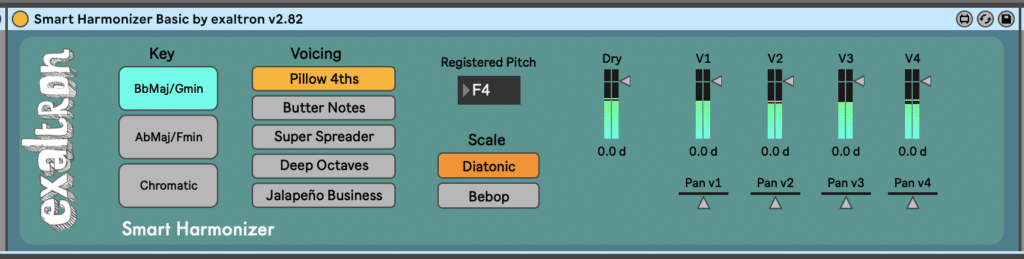
Harmonizer Basic
Pay What You Want
Keys: Bb, Ab and Chromatic
Five Custom Voicings
No Glide
Basic Ableton Midi Learn Function
Limited Support
Chromaglide “Classic”

$20
All 12 Keys plus Chromatic
Custom Voicing Presets by exaltron
Two types of Glide for each of 4 voices; Smooth or Stepped
Advanced Midi Learn with Circle of Fifths
Personal email Support within 48 hours
Chromaglide NM2 Pro

$25
Custom interface designed for use with This Is Noise NM2 midi controller
18 Fixed Voicings by Saxophonist Will Coode
Two types of Glide for each of 4 voices; Smooth or Stepped
Advanced Midi Learn with Circle of Fifths
Personal email Support within 48 hours
After many upgrades to the original Chromaglide harmonizer, I’m now releasing a brand new harmonizer custom made for This is Noise’s NM2 wireless micro midi controller. This version is based on a genius hack by UK sax player Will Coode that uses fixed intervals and switches on the fly. It’s a bit of a learning curve, but as you can see from these inspiring performances, it’s an incredibly powerful approach for creating mind-bending jazzy harmonies on the fly. Combined with midi assigned effects like Freeze Reverb, the possibilities for both live performance and production are endless.
Have fun! And if for any reason you don’t love it, send me a message in the first 30 days and I will refund your payment.
Requirements:
Ableton Live 11 or 12 Suite with Max for Live
Mac OS
*Windows should also work but has not been tested extensively
*Live 10 has worked for some users but can’t be guaranteed
Installation:
- Unzip the download.
- Move the entire Chromaglide package folder (contents of the zip) to one of two locations based on your OS:
- macOS: ~/Documents/Max 8/Packages/
- Windows: C:\Users\\Documents\Max 8\Packages\
- Start up or restart Ableton so Live/Max can rescan (may take two restarts).
- In Ableton Live’s Browser, open User Library, then drag the [Chromaglide Smart Harmonizer by exaltron.amxd] file from Finder into User Library (or into a subfolder you create there, e.g. User Library/Chromaglide/.
- The device will now appear in the Live Browser, so you won’t need to drag it from Finder again.
For best performance:
Ableton stuff:
- Make sure to only use monophonic audio or midi (one note at a time). Chords and harmonies fed into the harmonizer generally won’t sound great as it is only capable of analyzing one note at a time.
If you need clarification on what is monophonic vs polyphonic audio, this YouTube video provides a fun ELI5 explainer. - Works and sounds best with 64–256 buffer (lower latency helps tracking)
- Use the faders to raise/lower voices and set the wet/dry ratio
Input and use:
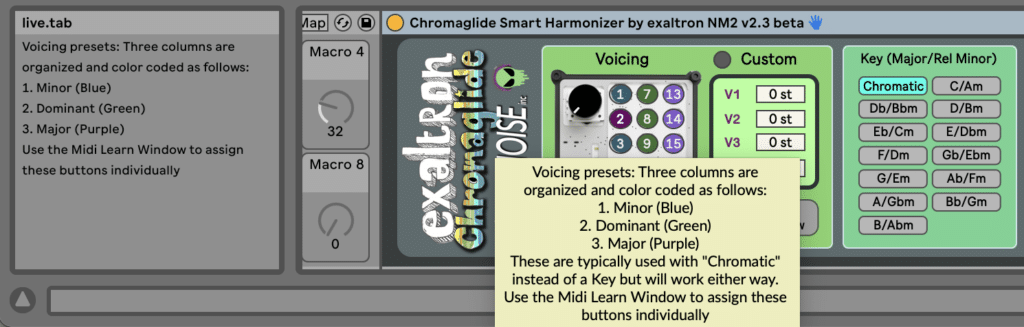
- Make sure to hover over different buttons and sections for hints and use Ableton’s “Info View” for additional explanations I’ve embedded in the device
- Typically use mono input with stereo output. Each voice can be panned L/R
- Stereo input possible but won’t add much and doubles processor burden